
How to Search Cases by Name
Minnesota Court Records Online, called MCRO, is the Judicial Branch's remote search service. For a Le Sueur County name search, open the Case Search tab first. Pick Name first. Fill in whatever name fields you have. Restrict the location to the county option spelled LeSueur. One party name can return several results. Filters for date, category, and location then help. They separate the case you want from a similar record in another court file.
- Open the official MCRO Case Search and choose Name.
- Enter the last name first, then the first and middle name when known. Use an exact spelling as the first search.
- Select LeSueur under specific county court locations and add a case category or filed-date range when it helps narrow a result.
- Use a trailing wildcard only after at least two characters, or use Sounds Like as a separate broadened search. MCRO says those two options cannot be combined.
- Open a matching case only after comparing the displayed court, party role, case category, and filed date with the information already known.
| Field Label | Type | Required | Le Sueur County Use |
|---|---|---|---|
| Last Name | Text | Depends on mode | Start with an exact spelling and use a trailing wildcard only when needed. |
| First Name / Middle Name | Text | No confirmed marker | Use available fields to narrow common names. |
| DOB / Date Filed | Date or date range | No confirmed marker | MCRO shows MM/DD/YYYY controls for exact dates or ranges. |
| Case Category | Checkbox group | No | Civil, criminal, family, or probate or mental health categories are shown. |
| Court Locations | Statewide or county selector | No | Select the local option displayed as LeSueur for a Le Sueur County case lookup. |
Le Sueur County MCRO Search Tabs
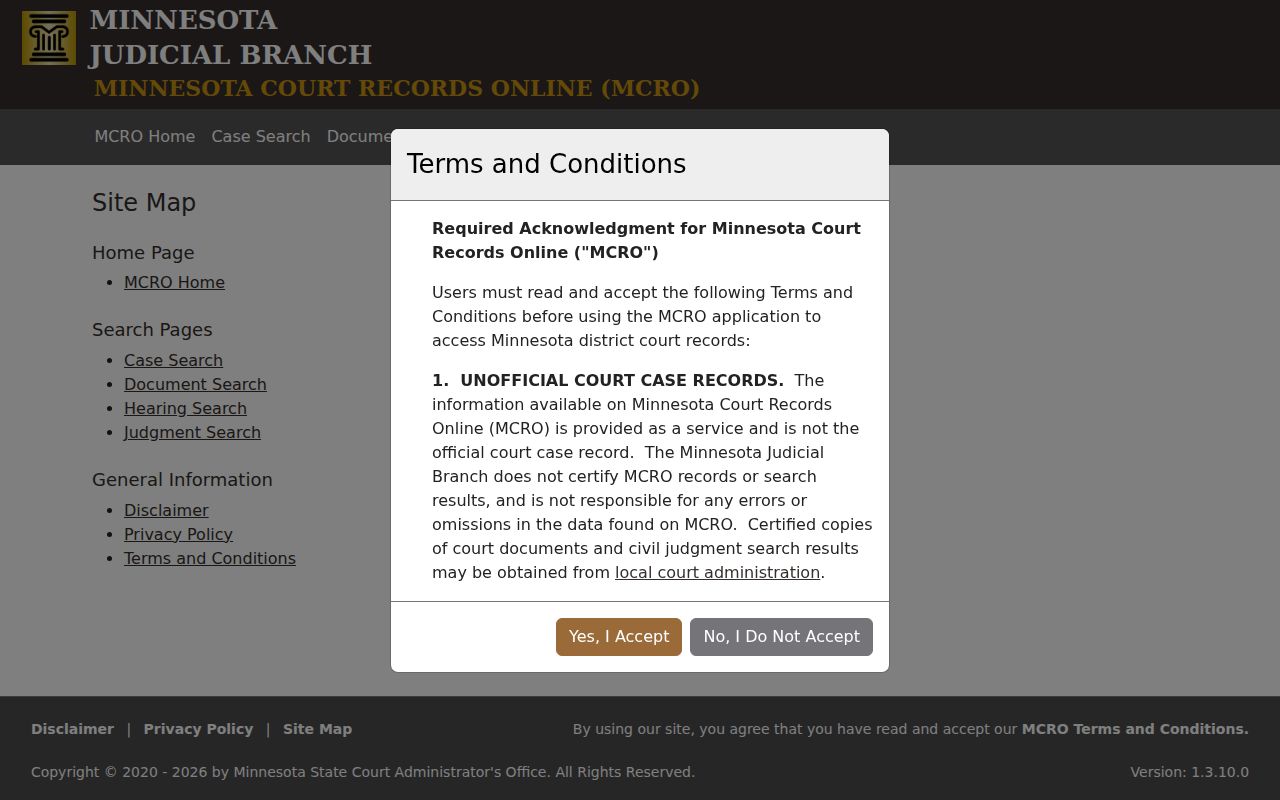
MCRO separates several kinds of searches. Case Search is the route for a case by name, case number, citation number, or attorney. Document Search is a case-number route for public documents associated with a file. Hearing Search identifies scheduled hearing information. Judgment Search is for docketed money judgments and satisfactions, not a general civil case-name search.
The official MCRO site map shows the available routes. Selecting the correct object before entering data prevents a Le Sueur County case search from confusing a judgment, a hearing date, and a complete case history.
The four-route structure appears in this MCRO navigation reference.
Every route still runs under the court's public-access rules. A result or document can be limited even when a related case is public.
How to Search by Case Number
A court file number is the strongest identifier for a Le Sueur County case lookup. Copy it exactly as it appears on a court notice, calendar, or official case result. Minnesota publishes no Le Sueur-specific numbering legend. So never assume a local format from another case. Put the number into Case Search. Use Document Search too when a public document is needed.
A citation number works differently. Use Citation Number mode for citation matters. Do not paste a citation into a case-number search. The current MCRO Document Search asks for a case number specifically. Keep every letter, digit, and separator in the court file number exactly as shown.
Le Sueur County Name Search Precision
MCRO name searches offer three modes. Exact spelling comes first. A trailing wildcard helps when a name's ending is unclear. It is allowed after at least two characters. Sounds Like broadens results for phonetic variations. But MCRO notes it cannot pair with the wildcard option.
Common names call for narrower filters. Case category can help. So can a filed date or a known court file number. Any of these can cut a broad Le Sueur County result down to size. MCRO itself warns that a pending criminal matter may not show up. It can be missing from a defendant-name search. That gap does not mean the case is absent. A verified case number is the better route in that situation.
What a Case Search Shows
A result leads to Case Details and a Register of Actions. What you see depends on case type, date, record status, and public-access limits. The Register of Actions is the court's chronological event history. It is not a certified copy. Never read a category or status field alone as a final outcome. Check the official record first.
| Court / county | Identifies the District Court location associated with the case record. |
|---|---|
| Court file number | The primary case identifier used for Le Sueur County case search and document requests. |
| Case category | A classification such as civil, criminal, family, or probate or mental health. It is not a disposition. |
| Filed date and status | Case metadata that helps compare results. A status does not replace the Register of Actions entry. |
| Register of Actions | Public event history, hearings, filings, and other eligible information under the access rules. |
Le Sueur County Case Category Filters
The MCRO interface shows case-category checkboxes for Civil, Criminal, Family, and Probate or Mental Health. A category filter can shrink a broad Le Sueur County name result. It cannot conjure a result the search never returned. The interface also posts no complete list of case-status options. So an unpublished status label should never be guessed.
Start with the county. Add a precise name or court file number. Include a date range if useful. Add a case category only when a court notice or the purpose of the record search tells you which one applies.
Le Sueur County Document Access
MCRO can serve public documents for eligible files. Current Judicial Branch instructions say accessed or downloaded MCRO documents carry no charge. That access is still unofficial. Court Administration handles certified copies. Broad remote coverage reaches many documents filed on or after July 1, 2015. Older material and some record types have narrower availability. The official MCRO access information explains where that line falls.
A case with no viewable document online is not a dead end. It may still warrant a check at the courthouse terminal, the counter, or through a copy request.
County vs Statewide Case Search
MCRO belongs to the statewide Minnesota Judicial Branch, not a separate Le Sueur County portal. Its county control helps when the filing location is known. Going statewide makes sense when a case might sit in another county. Either way, the local selection reads LeSueur with no space, even though court communication spells the county as Le Sueur County.
| Search scope | What it covers | Best use |
|---|---|---|
| LeSueur county filter | Results limited to the selected Le Sueur County court location. | A known local file, local party, or local hearing question. |
| Statewide MCRO | Minnesota county locations available through the public service. | An uncertain filing location or a comparison before narrowing. |
| Courthouse public terminal | The most complete electronic district-court access described by the Judicial Branch. | A locally public record that is not fully available through remote access. |
Le Sueur County Hearing Lookup
Sometimes all you need from the Le Sueur County docket is one date. That is a job for MCRO Hearing Search. It takes a case number, a party name, a judicial officer, or an attorney as your starting point. From there you can narrow by hearing date, case category, and county. One caution applies. The local Daily Public Court Calendar may post updates on a different schedule than the search service. Compare the two before you rely on either. A calendar line only tells you a hearing was set. It never proves how the case came out. For the daily PDF, see the Le Sueur County court-date route. It also covers the screens at the courthouse and how Court Administration confirms dates.
Le Sueur County Judgment Searches
Judgment Search answers one narrow question. It finds docketed money judgments tied to a debtor's name, with filters for the docketed date, status, and county. Where a satisfaction has been recorded, the entry may show that too. Reach for it when the Le Sueur County judgment itself is the point, not merely because a civil docket happens to exist. The MCRO Judgment Search page presents the search form and its filters.
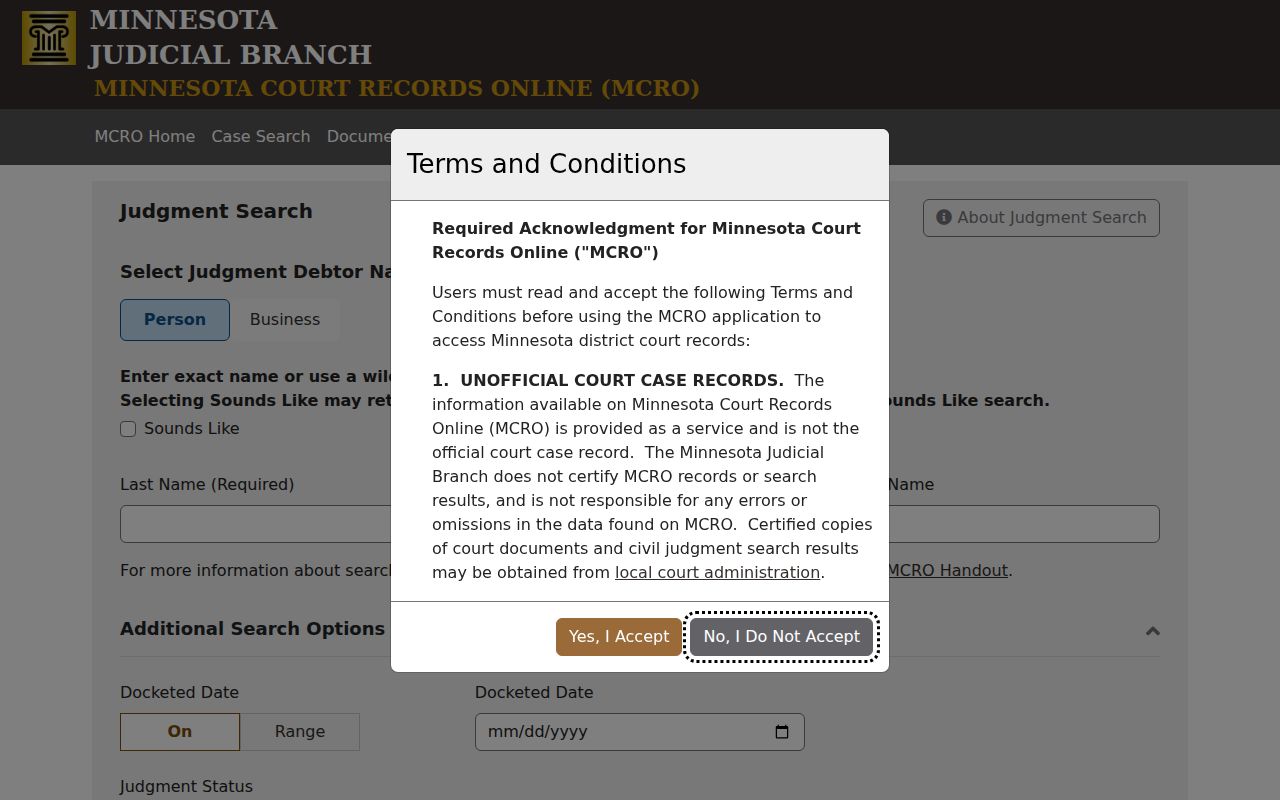
Certified judgment searches cost extra. The statewide fee table lists them at $5 per name, separate from free online viewing.
Le Sueur County Terminal Access
Minnesota district courthouses keep public terminals for case research. The Judicial Branch calls these terminals the most complete electronic route to district-court records, which matters when remote lookup falls short because of record age, document category, or Rule 8. Before driving to the Le Sueur County courthouse, call Court Administration at 507-357-8260 and confirm the terminal and counter steps. One piece of history helps avoid confusion. MCRO replaced MPA Remote on April 17, 2023, and MPA Courthouse now refers to the terminal view inside the building rather than the old remote service. The counter staff can also hand you the statewide copy form whenever you want a plain or certified copy of a court record.
Restricted Cases and Access Rules
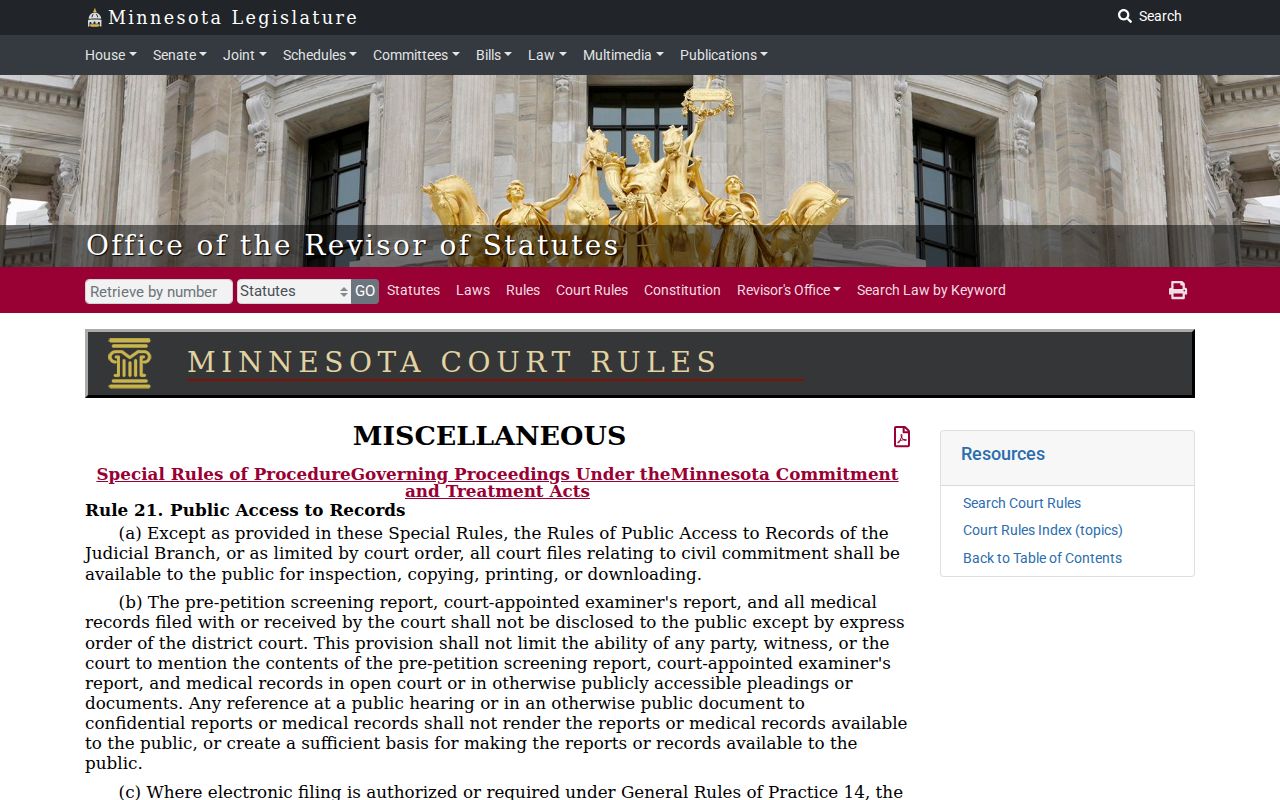
Minnesota public-access rules govern what a remote Le Sueur County case lookup can show. Under Rule 8, remote access is narrower than the access you get at the record's normal location. MCRO flags limits on civil commitment, domestic abuse, harassment, delinquency felony 16+, and CHIPS documents, plus restrictions on older and certain family records.
Rule 4 adds protections for sealed records, court-services records, judicial work product, protected domestic-abuse or harassment data, and juvenile material. So a public Register of Actions can exist even when no document is available remotely. This Minnesota civil-commitment rule source spells out where that access boundary sits.
Sealed or confidential: before ordering any copy, ask Court Administration how to make the proper access request for that record.
Le Sueur County Case Search Limits
Read MCRO's own fine print before leaning on it. The service describes its information as unofficial, not certified, and not guaranteed to be complete or always available. No public export specification exists, and there is no confirmed rule for how results paginate. So a Le Sueur County case search should not assume bulk downloads or a full export. Pointing automated scraping or data mining tools at the service is off limits. Keep good notes when you search a specific court file: the date, the county, the mode, and the exact terms you entered. Those notes matter later. When the answer has to be certified or complete, go back to the originating court record itself. The scope of public access is set out in this Minnesota Rule 1 source.
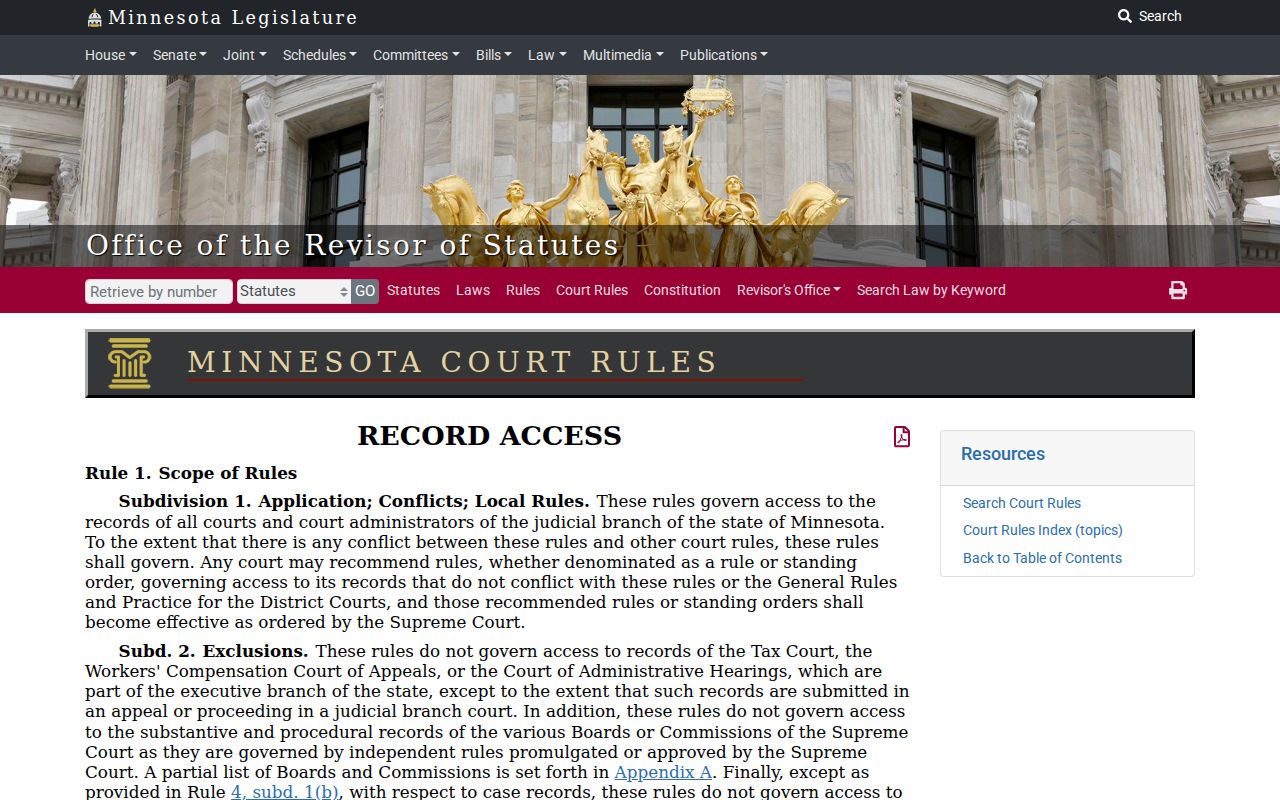
The access rules attach to the record itself. It makes no difference whether the search started by name, case number, hearing, or judgment route.